Same catalog.
Ads that stop the scroll.
Catalog ads show whatever photo your feed sends: a product on a white background, the same shot every reseller uses. Glowy Studio turns that feed into framed, priced, 4:5-ready images and keeps them current as prices and stock change.
 BeforeAfter
Drag the handle to compare.
Image optimization
Pick a product. Drag to compare.
Every image here started as a plain catalog photo. Choose a treatment and see what changes. Name, price and discount are never typed by hand; they come from the feed.
Product
Treatment
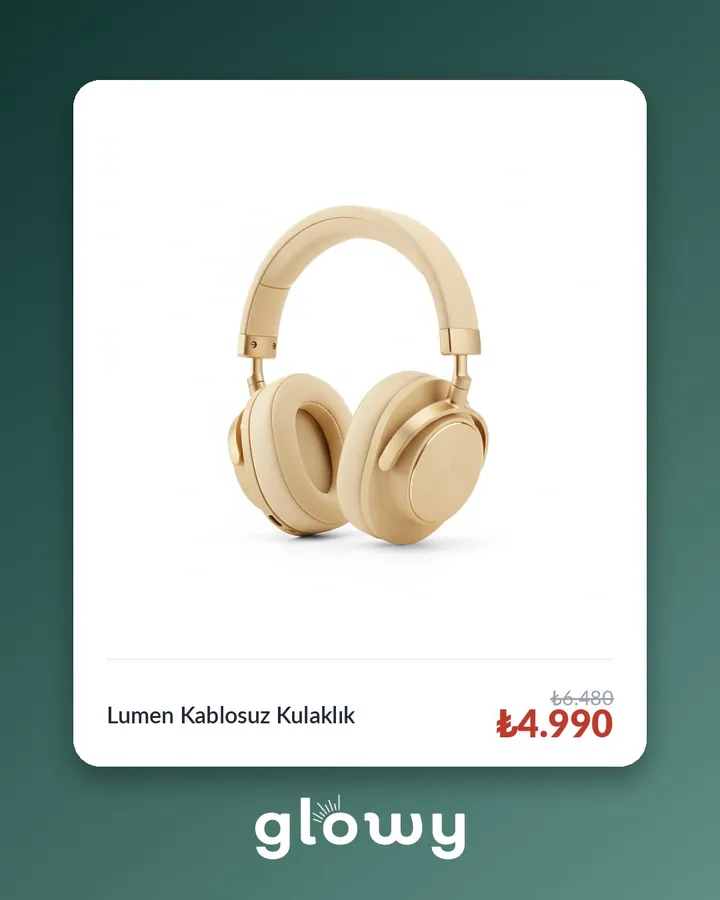 BeforeAfter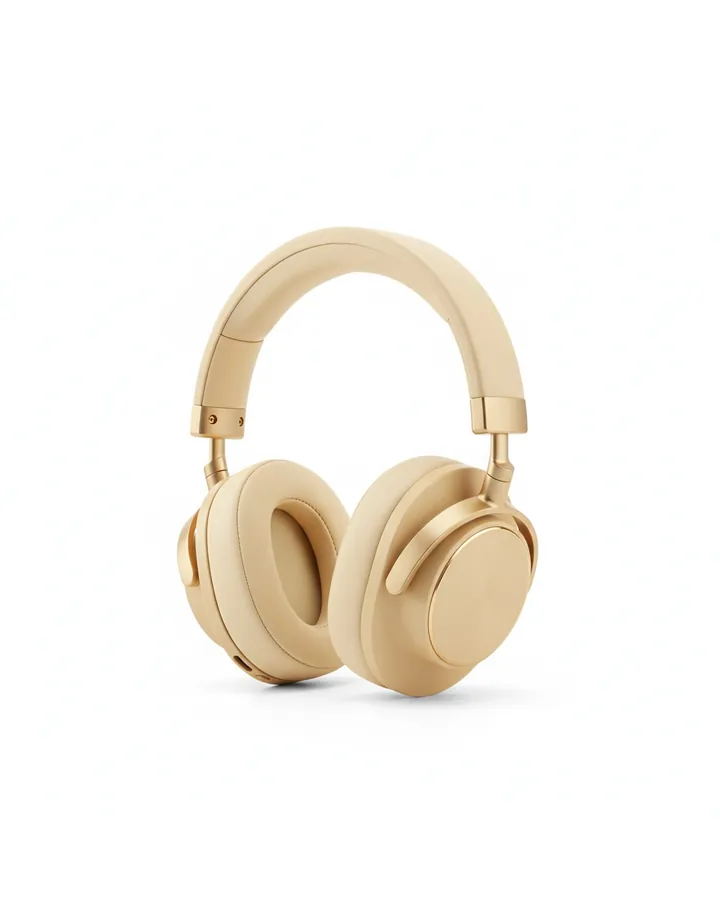
Drag the handle to compare.
Demo catalog. Products, names and prices are fictional.
Feed optimization
The image is half of it. The feed is the other half.
A framed image only works if the feed carrying it is right. Here is one product before and after. Point at a fix to see the lines it touches.
<item><g:id>LMN-2041-BEJ</g:id><g:item_group_id>LMN-2041</g:item_group_id><g:title>Lumen Kablosuz Kulaklık</g:title><g:color>Bej</g:color><g:price>6480.00 TRY</g:price>+<g:sale_price>4990.00 TRY</g:sale_price><g:availability>in stock</g:availability>~<g:image_link>https://…/studio/lmn-2041-bej.jpg</g:image_link>+<g:additional_image_link>https://…/studio/lmn-2041-bej_4x5.jpg</g:additional_image_link>+<image><url>https://…/studio/lmn-2041-bej.jpg</url><tag>default</tag></image>+<image><url>https://…/studio/lmn-2041-bej_4x5.jpg</url><tag>ASPECT_RATIO_4_5_PREFERRED</tag></image>+<g:custom_label_0>AUTUMN_SALE</g:custom_label_0>+<g:custom_label_1>DISCOUNT_20_30</g:custom_label_1></item>−<item>−<g:id>LMN-2041-SYH</g:id>−<g:color>Siyah</g:color>−<g:availability>out of stock</g:availability>−…−</item>
Simplified example. Domains shortened.
Every 2 h
The feed rebuilds itself on a schedule
1:1 + 4:5
Both ratios in a single item
In stock only
Sold-out products leave the feed
New price, new image
A price change re-prints the image
How it works
Connect Merchant Center
We read the product data you already send to Google: titles, prices, stock and images.
Choose products and a design
Filter by category, price or discount, pick a layout, set colors and logo. Preview it on your own products before anything is generated.
Use the new feed URL
Add the feed to Meta Commerce Manager as a data source. It refreshes on its own every two hours.
Frequently asked questions
Does this change my store or my original feed?
No. Glowy Studio reads your product data and publishes a separate feed with its own URL. Your site, your Merchant Center feed and your current catalog stay as they are until you decide to switch.
Where can I use the framed images?
In Meta catalog ads (Advantage+ catalog, collection and carousel ads) and other placements that read a product feed. Google Shopping does not allow promotional overlays on product images, so Shopping listings should keep the clean photo.
What happens when a price changes?
The feed rebuilds every two hours. If a product's price, discount, stock or photo changed, its image is printed again with the new values and sold-out products are left out. Products that did not change are skipped.
Why both square and 4:5?
Feed and Reels placements show vertical images larger. At the same width a 4:5 image is 25% taller than a square one, so the product gets more of the screen. Both sizes sit in the same item and Meta picks per placement.
Can the design be specific to our brand or campaign?
Yes. Besides the standard layouts we build brand-specific frames, campaign backgrounds and, for selected hero products, room scenes.
What do I need to start?
A Google Merchant Center connection. The output is a standard XML product feed.
Let's try it on your catalog.
We will show you framed samples made from your own products before you decide.