Automated Google Ads
and Meta Ads reporting.
Schedule a daily, weekly or monthly report once. Glowytics builds it from Google Ads, Meta, TikTok and GA4 data and emails it to your team, with spend, conversions and ROAS per channel already reconciled.
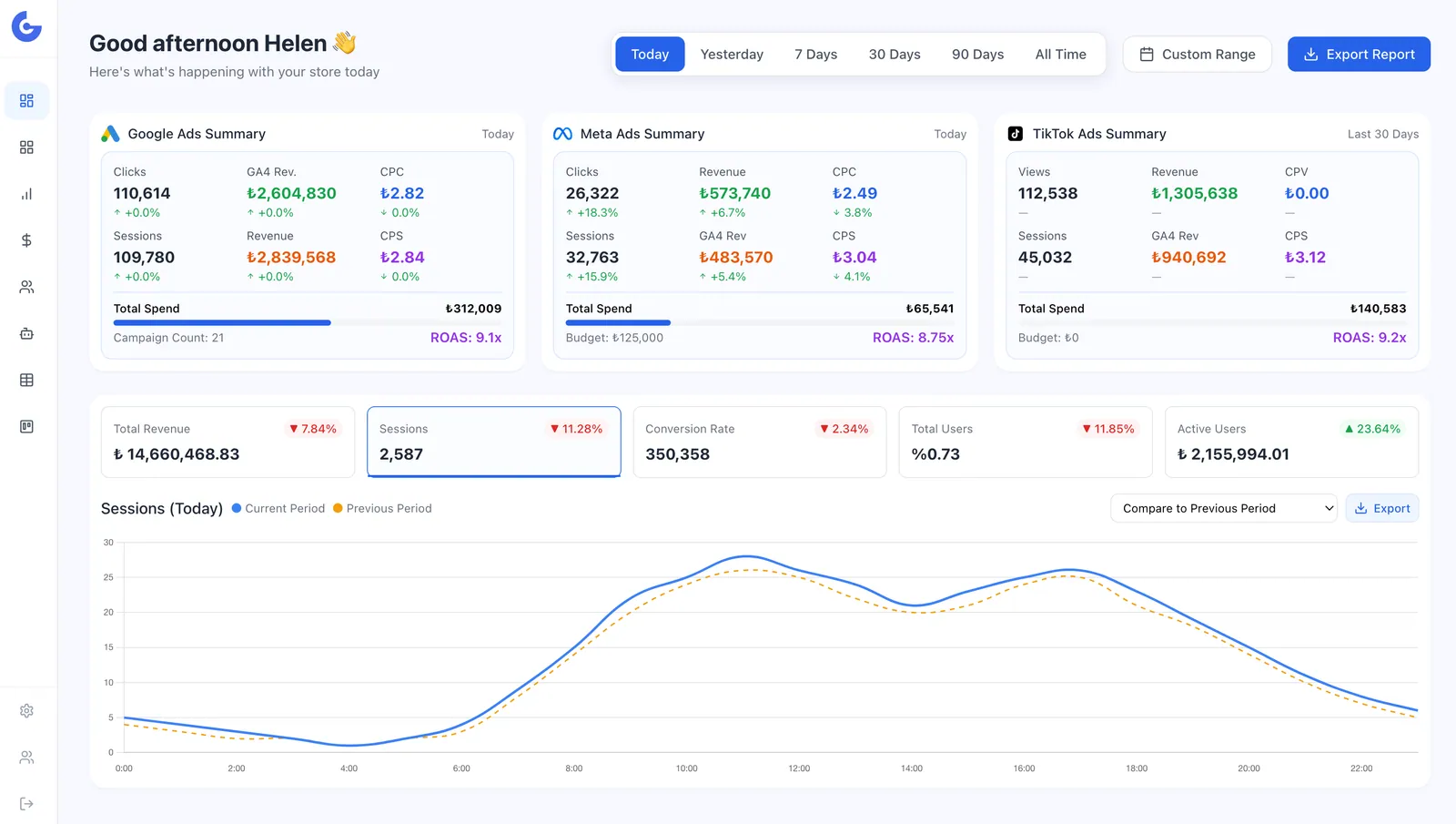
See it in motion
Twelve seconds on what this part of Glowytics does for you.
Why automate?
Manual reporting is prone to errors and eats up valuable time. Switch to automated reporting and focus on strategy, not spreadsheets.
- No more screenshots and copy-paste from each ad manager
- Every channel in one email, with the same metric definitions
- The same report format for every brand you manage
- Excel export from report pages when someone needs a file
Schedules: daily, weekly and monthly
Ad platforms in one report
Email with every channel in it
Days of free trial, no card
What the reporting includes
For marketing teams and agencies that report on Google Ads, Meta and more every week.
Scheduled delivery
Daily, weekly or monthly. Schedule a report once and it arrives on time, with the previous period for comparison.
Email to anyone
Reports go straight to the inboxes you choose, so managers and clients read the numbers without a Glowytics login.
Report builder
Build your own report layout from KPI cards, charts, tables and pivot tables.
On-demand reports
Open any report in the app for any date range, not only the scheduled period.
Ask GlowyAI
Ask about any number in the report and get the explanation from the same data.
Breakdowns
Split results by platform, campaign and date, and compare with the previous period.
How automated Google Ads and Meta Ads reporting works
- Connect. Sign in to Google Ads, Meta and the other platforms with OAuth. Glowytics reads the data through the official APIs.
- Schedule. Choose a daily, weekly or monthly report. Daily reports arrive in the morning with yesterday's results, weekly reports on Monday and monthly reports on the first of the month.
- Receive. The report arrives by email with spend, conversions, revenue and ROAS per channel, compared with the previous period. Report pages in the app can also be exported to Excel.
What a Google Ads report should include
| Section | Metrics |
|---|---|
| Summary | Spend, conversions, conversion value, ROAS and CPA against the previous period |
| Campaigns | The same metrics per campaign, by campaign type (Search, Shopping, Performance Max, Display, Video) |
| Search terms | Queries that spent without converting, and queries worth adding as keywords |
| Products | For Shopping and Performance Max, the products that took the budget |
| Next steps | What will change before the next report |
Facebook and Meta Ads reporting
A Meta Ads report adds what Google does not have: reach and frequency, the creative behind each result and the split between Facebook and Instagram. Glowytics reports Meta campaigns, ad sets and ads with the creative shown next to each row, and puts Meta next to Google in the same email.
Related pages
Frequently asked questions
How do I automate Google Ads reporting?
Connect your Google Ads account to Glowytics and choose a daily, weekly or monthly schedule. The report is built from the API data and emailed on that schedule, with no manual export.
Can I combine Google Ads and Facebook Ads in one report?
Yes. Every connected platform appears in the same report, with metrics mapped to the same definitions.
Do I need Looker Studio?
No. Glowytics connects to the platforms directly and builds the report itself. It does not export to Looker Studio.
Can people without a Glowytics login receive the report?
Yes. Scheduled reports are sent by email, so recipients only need an inbox.
Can I white-label the reports?
Not at the moment. Reports are sent with Glowytics branding.